
I am an early adopter of NoSQL and non-relational database technologies. Partially because 35 years ago, relational databases weren’t a given when I started writing software professionally. Data access was almost universally just file access, especially for the aerospace engineering code I wrote throughout the 90’s. Even back then, I struggled with the same thing in BigQuery, Mongo, Couchbase, or whatever. That struggle is trying to keep my code from breaking with a lack of schema enforcement. I want to implement a versioned Go private package that uses static typing to head this off.
I want to create a private package to manage better the code that interacts with the document database. This private package will allow me to make a version with tags. I’ll use these tags in the AppData sub-document to add to each struct backing the JSON model. That will allow me to route the service call to the correct service that implements that package version.
Initializing The Repo
- I started by creating a semi-empty repo in Github and cloning it into my working directory.
- ran go mod init with a full Github based URL verify go mod has expected name for the package
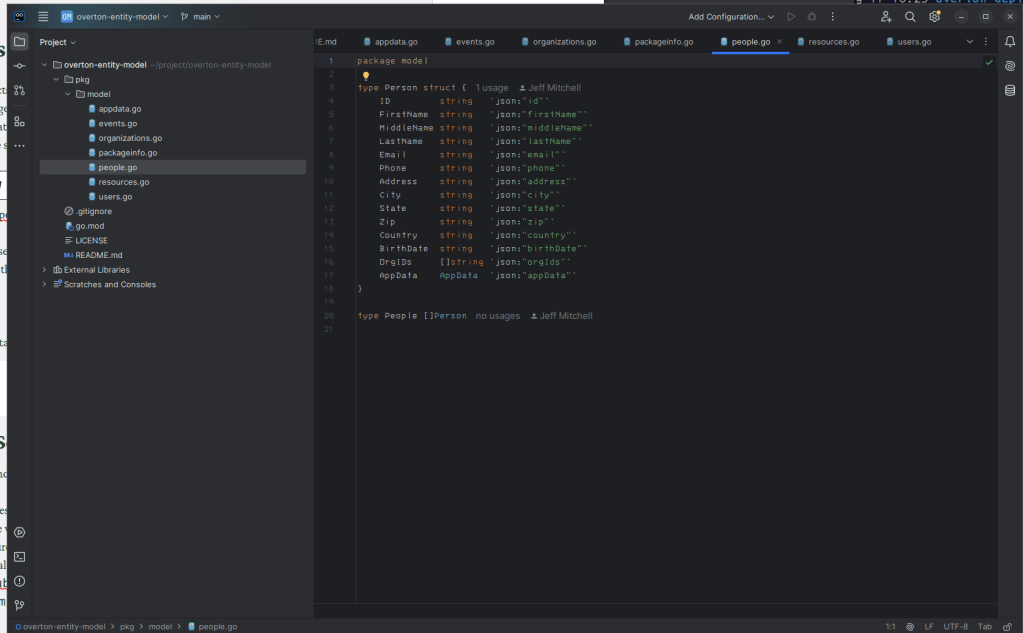
- create pkg directory in project
- write some code
- we’ll commit and push that code
- then we’ll tag a release and push the tag
go mod init github.com/sidehustlelabs/overton-entity-model
git push origin main
git tag v0.1.0
git push origin v0.1.0
Using the Package in a Service
- Created a repo with a gRPC service and cloned it.
- go mod init the new service
- go mod tidy to get the needed modules that are already referenced in the template
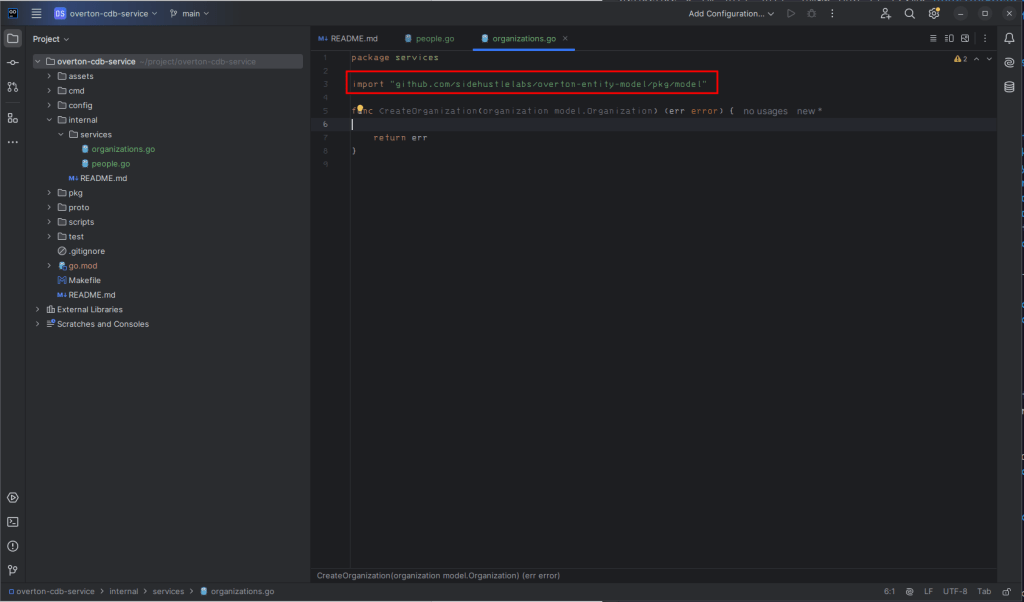
- in order to
go getour new package we’ll need to make sure we have some type of pre-authenticatoin to Github configured. For the sake of simplicity I have configured a .netrc file with a personal access token - we need to set
GOPRIVATE=github.com/sidehustlelabs/* - now we can
go get github.com/sidehustlelabs/overton-data-model - that will allow us to pull start to use the structs that I’ve defined to back the data that we’re going to write and read, to and from couchbase.
Eventually we’re going to want to do something to the effect of what I have below in a Dockerfile. That way we can pass in the Git user and personal access token
ENV GOPRIVATE=github.com/sidehustlelabs/*
RUN git config \
    --global \
    url."https://$GITUSER:$GITTOKEN@github.com".insteadOf \
    "https://github.com"
That gets us to the point where we’re ready to start building out our first service. That’s what we’ll do in the next part.
 GeekShorts
Leave a comment